Cron job and heartbeat monitoring
Backups, invoices, feeds and syncs fail quietly. Give each job a ping URL; if it does not check in on time, you get an alert before the client notices missing data.
Start freeNo card needed.
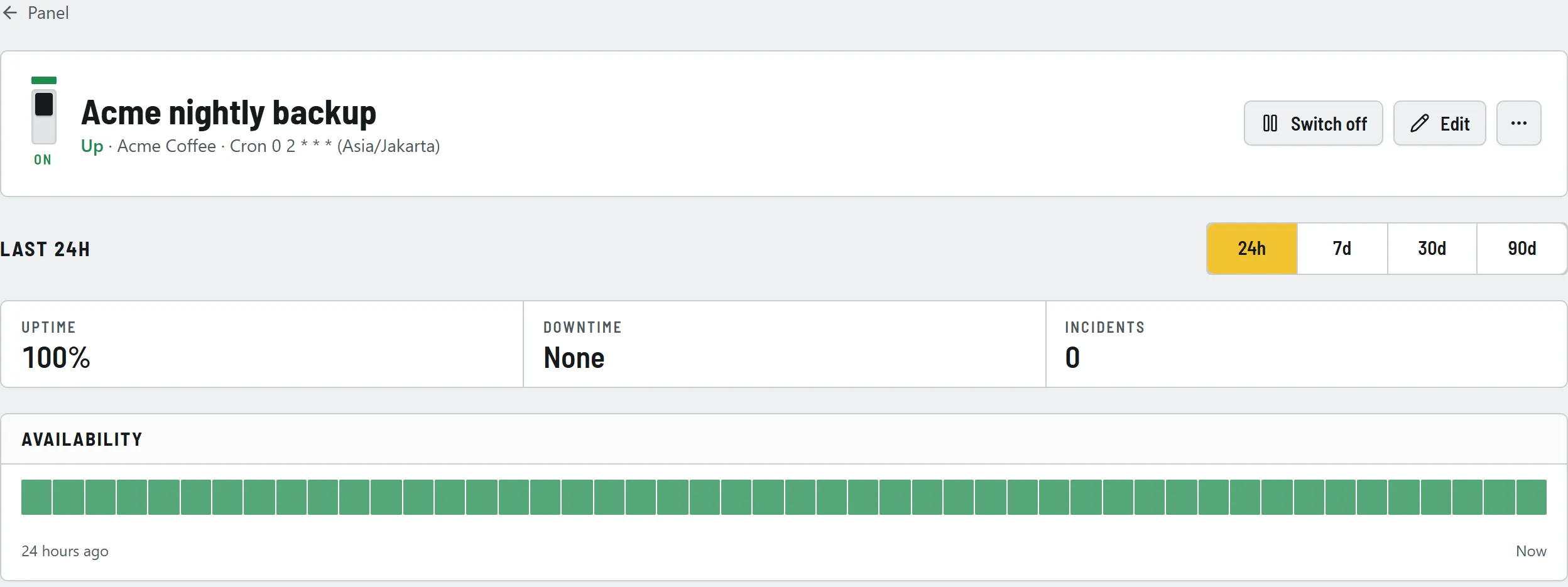
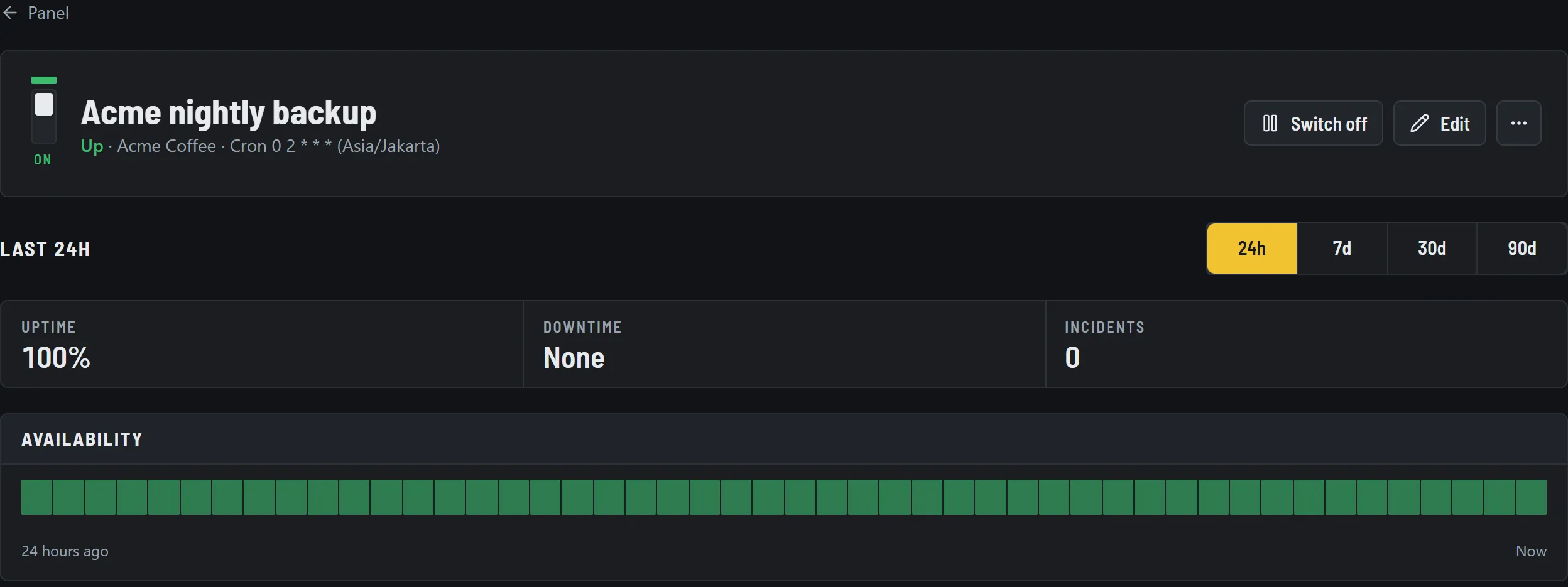
Specifications
- Ping URL
- One private URL per job; accepts GET, POST and HEAD
- Schedule
- A fixed period from 1 minute to 30 days, or a cron expression with its time zone
- Grace period
- From 1 minute to 7 days, for jobs whose run time varies
- Signals
- Plain URL for success, /start for a start, /fail for a reported failure
- Run log
- Time, source IP and duration of every ping, kept for 30 days
- Alerts
- Missed run and reported failure, then recovery, on the same channels as your websites
How it works
01Add a cron job
Choose "Cron job", set how often it runs or paste its cron expression, and pick a grace period.
02Add one line to the job
Copy the ping URL and call it at the end of the job, for example with curl after &&.
03Get told when it goes quiet
A missed deadline trips the breaker and alerts you. The next ping resets it and tells you it is running again.
Setup examples for crontab, scripts and Windows are in the cron job setup guide.
Questions
- How does cron job monitoring work?
- Each job gets its own ping URL. Your job calls it when it finishes. If the call does not arrive on schedule, plus the grace period you set, RondaUp alerts you that the job did not run.
- My job runs on a cron schedule, not a fixed period. Is that supported?
- Yes. Enter the same cron expression your server uses, for example 0 2 * * *, and the time zone it runs in. RondaUp works out when each ping is due.
- Can a job report that it failed?
- Yes. Call the ping URL with /fail at the end and the monitor trips at once, without waiting for the deadline. The next normal ping marks it recovered.
- Can I see how long a job took?
- Call the URL with /start when the job begins and the plain URL when it ends. RondaUp pairs the two and records the duration with each run.
- Does it work with Laravel, WordPress cron, GitHub Actions or Windows Task Scheduler?
- Anything that can make an HTTP request can ping: curl or wget in a crontab, a line of code at the end of a script, a CI step, or a PowerShell command in a scheduled task.
Put your clients' sites on the panel
Free for 10 monitors. Setup takes about two minutes.