A status page for every client
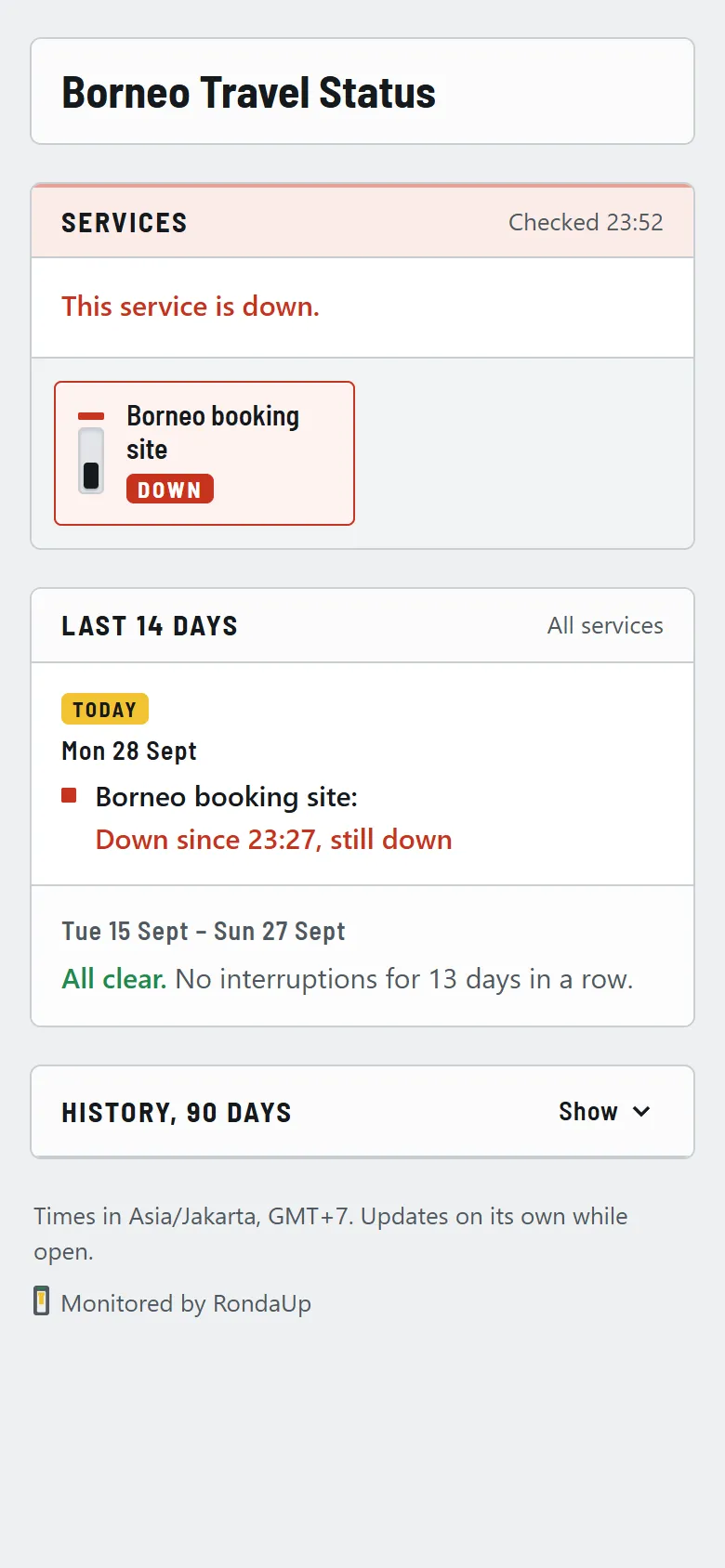
Send your client one link. They see which services are working, what happened and when, in plain words, and they stop asking you whether the site is down.
Start freeNo card needed.
Specifications
- Address
- status.rondaup.com/your-client, with a name you choose
- Shows
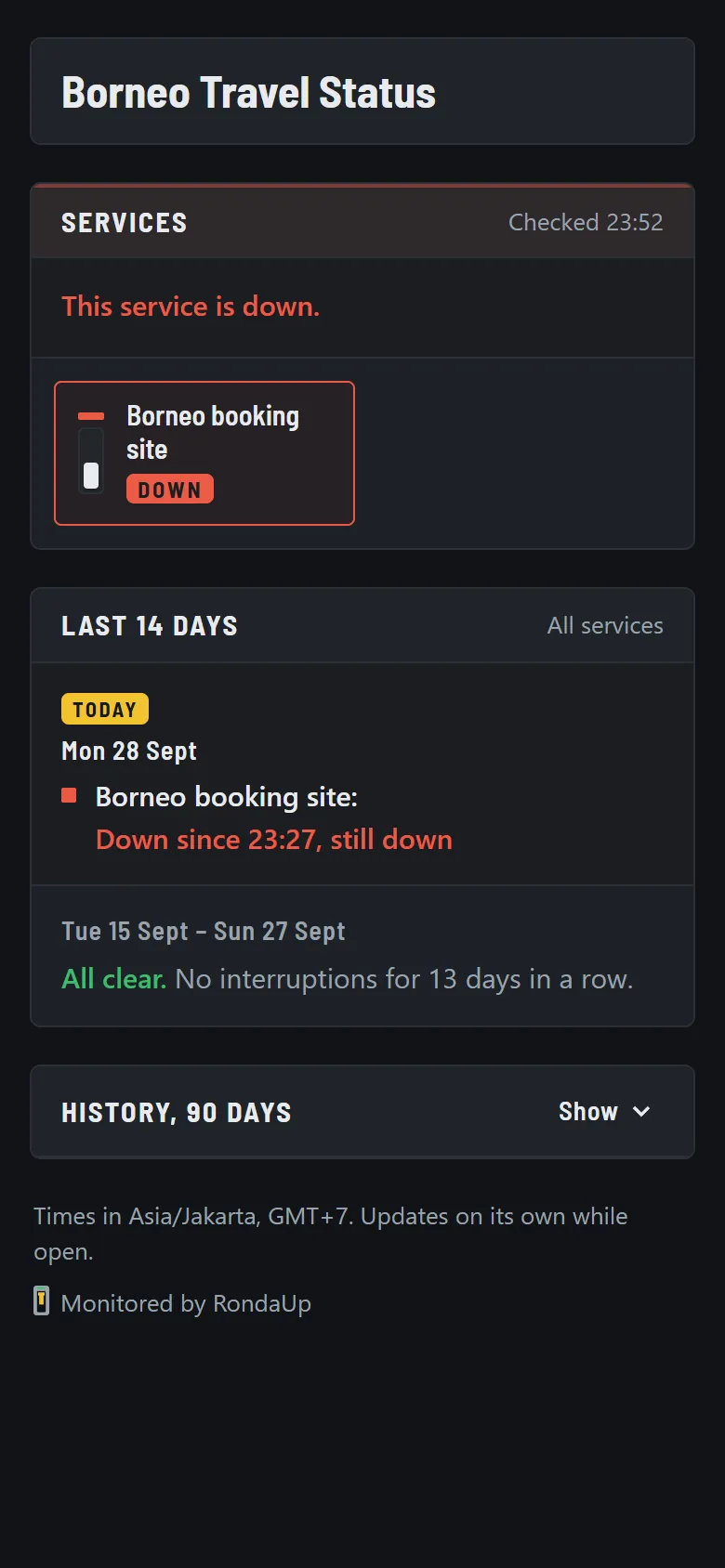
- Current state of each service, 14-day incident log, 90-day day-by-day history
- Language
- Plain words for non-technical readers; never URLs, IPs or error codes
- Branding
- Client's logo, description and a maintenance announcement
- Time zone
- Dates shown in your account time zone, labelled on the page
- Plans
- One page on Free, 10 on Pro, unlimited and unbranded on Agency
How it works
01Create a page per client
Pick an address, add the logo, and choose which monitors appear and what they are called.
02Preview before you share
A private preview link shows the page exactly as the client will see it.
03Send the link
The page follows the monitors automatically and refreshes itself while it is open.
Open a live status page to see one working.
Questions
- What does my client see?
- The name of each service, whether it is working now, a log of the last 14 days in plain words, and a 90-day history. No URLs, IP addresses or technical error codes are shown.
- Can I put the client's logo on it?
- Yes. Upload a logo, write a short description, and post an announcement for planned maintenance with a start and end time.
- Can I remove the RondaUp name from the page?
- On the Agency plan you can hide the "Monitored by RondaUp" line, so the page carries only your client's name.
- Which monitors appear on a status page?
- You choose. Add the services the client cares about, rename them in their words, and leave internal jobs off the page.
- How many status pages can I have?
- One on Free, 10 on Pro and as many as you need on Agency.
Put your clients' sites on the panel
Free for 10 monitors. Setup takes about two minutes.