Website and API uptime monitoring
Every client site on one panel, checked every minute. When a site stops answering, RondaUp checks once more, then tells you in Telegram or by email with the reason in plain words.
Start freeNo card needed.
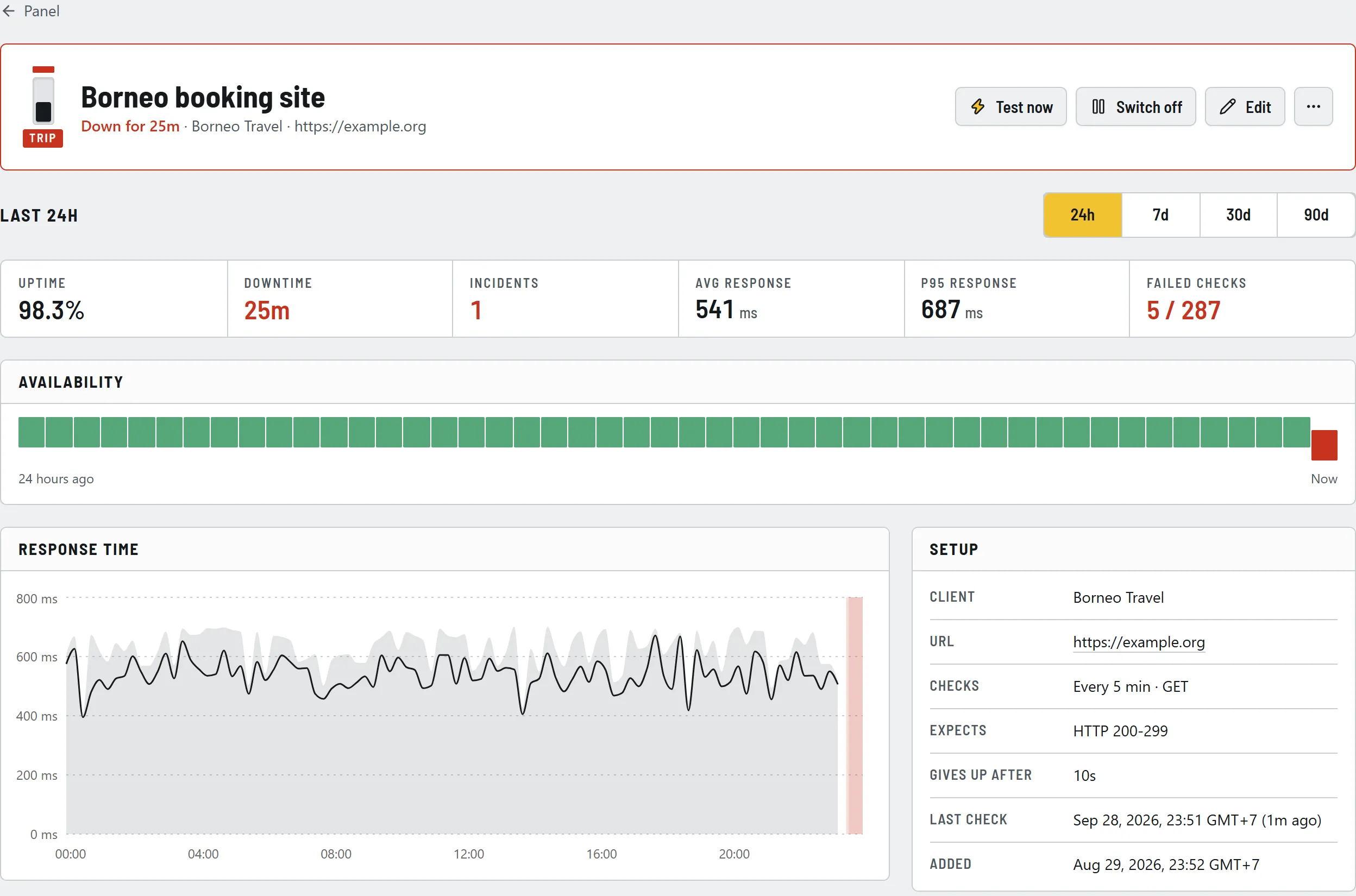
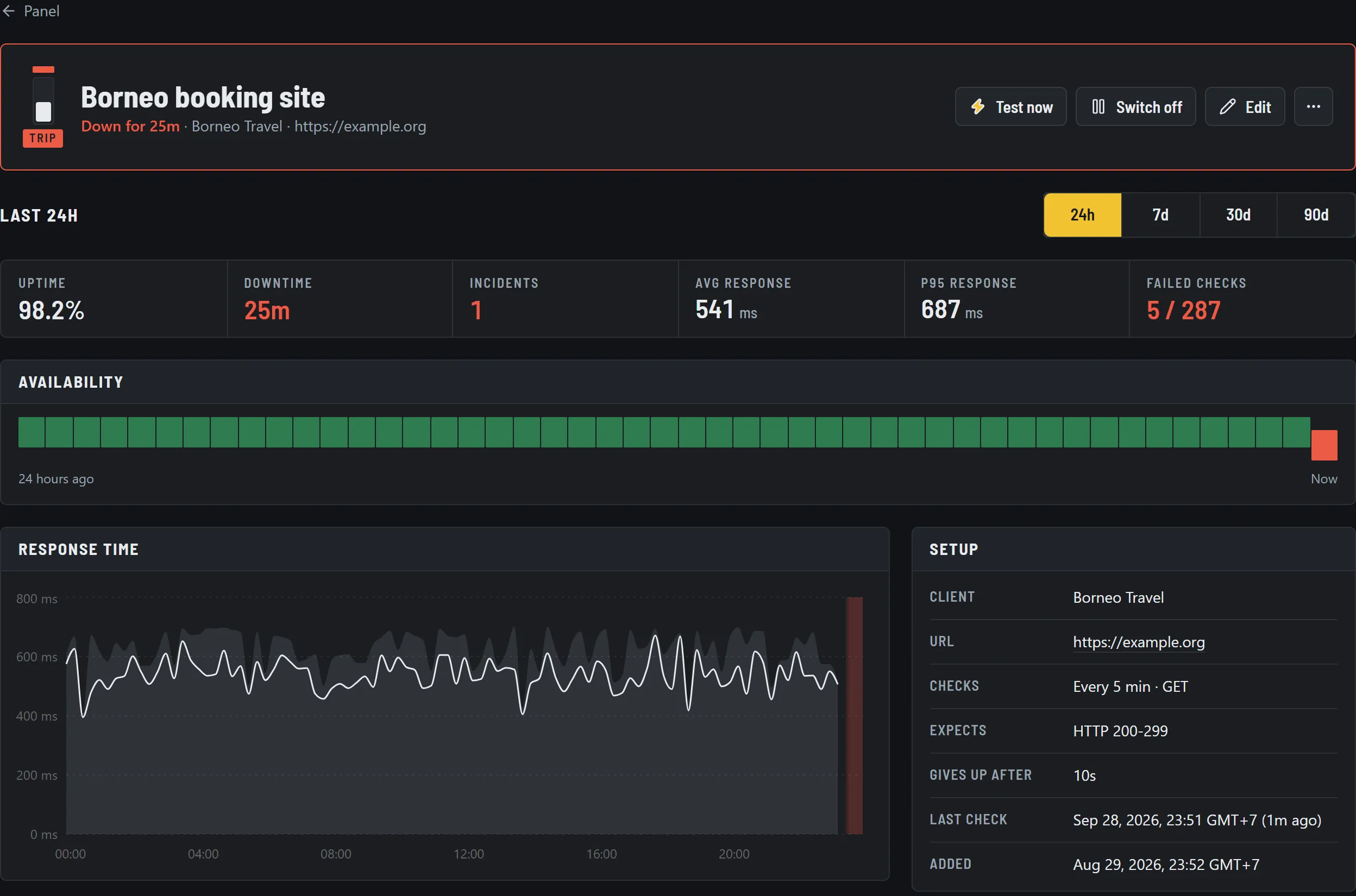
Specifications
- Targets
- Any public HTTP or HTTPS URL: websites, landing pages, APIs, health endpoints
- Check interval
- Every minute on Pro and Agency, every 5 minutes on Free
- Pass rule
- Expected status codes or ranges; optional keyword that must or must not appear
- Request
- GET or HEAD; timeout from 1 to 30 seconds; follow redirects or treat them as failures
- Confirmation
- One immediate retry before a breaker trips
- Causes reported
- Timed out, DNS failure, connection refused, TLS error, wrong status, keyword missing or found, too many redirects
- SSL expiry
- Warnings before the certificate expires, on up to five days you choose
- History
- Response time and availability, kept for up to 2 years as daily figures
How it works
01Paste the URL
RondaUp names the monitor after the site and can test it before you save, so you see the status code and response time right away.
02Put it in a client bank
Group each site under its client. The panel shows every client's breakers at a glance; a tripped one stands out.
03Hear about it once
One alert when a site goes down, with the cause, and one when it is back, with how long it was down.
Questions
- How quickly will I know a site is down?
- On Pro and Agency each site is checked every minute. A failed check is retried once straight away, and if the retry fails too the alert goes out, so you usually hear within one to two minutes.
- Why retry before alerting?
- A single slow response or network blip is common and fixes itself. Confirming with a second check keeps false alarms out of your Telegram and inbox, so a real alert is worth acting on.
- Can it check that a page shows the right content?
- Yes. Add a keyword that must appear, for example your footer text, or one that must not appear, such as "Database error". A page that loads but shows the wrong thing trips like any other failure.
- Does it watch SSL certificates too?
- Every HTTPS monitor also reads the certificate. You get a warning as expiry approaches, by default 14, 7, 3 and 1 days before, and you can choose up to five days of your own.
- Can I monitor an API instead of a web page?
- Yes. Point the monitor at any HTTP or HTTPS URL, choose GET or HEAD, and set the status codes you expect, such as 200-299 or a list like 200,204,301.
Put your clients' sites on the panel
Free for 10 monitors. Setup takes about two minutes.